
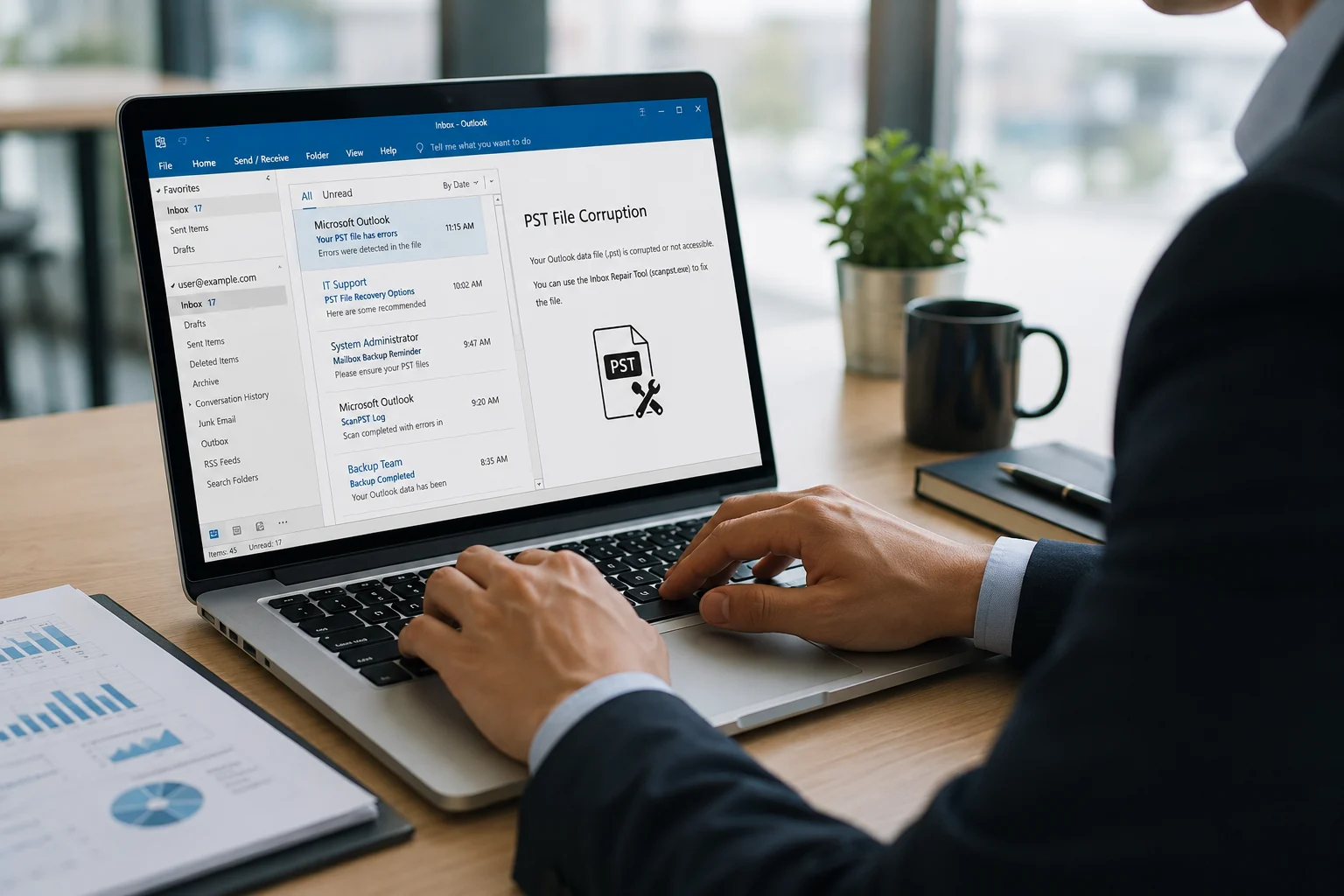
Many Outlook users sometimes encounter situation where their Personal Storage Table (.pst) files fail to open. This issue occurs due to corrupted PST file caused by Outlook crash, unexpected system shutdown, oversized mailbox, or other software and hardware issues. When this happens, the primary objective is to safely repair the PST file and fully recover the mailbox data
To repair the PST file, Microsoft provides a built-in tool called ScanPST, which comes with the Outlook installation. It can repair corrupted or damaged data files (.pst). But sometimes it fails to repair severely corrupted PST files.
To overcome ScanPST’s limitations, IT admins and users can use a specialized free online PST repair services for Outlook. There are various online services available on the internet but finding a reliable one is quite challenging. Therefore, we have created a list of 5 free PST Repair Services for Outlook.
Top Free PST Repair Service for Outlook
Here is the list of 5 best online Outlook PST repair services, along with their features, pros, and cons:
1. Stellar Online PST Repair
Stellar Online PST Repair is a web-based PST repair service that is specifically designed to repair severely corrupted or damaged PST files. It provides one of the simplest repair experiences. There is no software installation or system configuration required. You can just upload your damaged PST file, wait for the repair process to complete, and then download the repaired data file. One of the best features is that you can repair one PST file of up to 500 MB for free. This is useful for users having a single damaged PST file.
Apart from this, the online service offers the following features:
- Repairs PST files with complete integrity.
- No need to install any software for repairing the data file.
- Maintains the data integrity and the folder’s original structure during the repair.
- Repairs password-protected PST file.
- Previews the recovered folder structure in HTML format.
- Provides a highly secure repair process without requiring human interaction.
Pros
- Easy three-step repair process.
- Completely browser-based.
- Maintains mailbox integrity during repair.
- Suitable for both IT administrators and end users.
- Shows real-time repair progress.
- Repairs PST files up to 500 MB for free.
Cons
- The free version supports the repair of only one PST file.
The repaired file is available for download for only 24 hours.
2. Repair ToolBox Online
It is an online PST repair and recovery service. It is designed to repair and recover data from corrupted PST files without requiring any software installation. When you upload the corrupted PST file, it analyzes the file and provides the recovery results either immediately or through email. You can download the repaired data after completing payment through PayPal or credit card. The service requires a valid email address to send recovery updates and allows users to resume the recovery process if the session is interrupted. The service charges $10 per 1 GB of data for repairing a PST file.
Besides, the service also offers features like:
- Browser-based PST repair service
- Compatible with multiple Outlook versions
- Displays recovered folder structure
- No software installation required
- Works on Windows, macOS, Linux, Android, and iOS
Pros:
- Simple upload and repair workflow.
- Cross-platform accessibility.
- Useful folder tree preview.
Cons:
- 10 $ for 1GB is required to download repaired data.
- PST file will be stored on the server for 30 days after uploading.
3. Recovery Tool Box Online
It is another browser-based file recovery service designed to recover data from corrupted files. It repairs damaged Outlook data files, including PST and OST. The repairing process requires several steps. You need to upload the damaged file, provide a valid email address, and then start the recovery process. Once the recovery is complete, you can download the repaired file through the provided link in your email. You can upload up to a 10 GB PST file, and it does not require any technical expertise to use it.
The service also provides features like:
- Supports recovery of corrupted Outlook data files (.pst and .ost).
- Supports multiple file formats, including PDF, Excel, Word, PowerPoint, AutoCAD, CorelDraw, Photoshop, and more.
- Browser-based recovery with no installation required.
- Allows preview of recovered mailbox data before download.
- Compatible with multiple Outlook versions.
- Secure file handling with automatic deletion after 30 days.
Pros:
- No technical knowledge or software installation is required.
- Supports a wide range of file formats beyond Outlook PST files.
- Provides a preview option to verify recoverable mailbox data before downloading.
- Offers a simple, browser-based recovery process accessible from any device.
Cons:
- The service limits the size of uploaded files to 10 GB.
- Uploading large files may take time.
- It cannot repair password-protected files.
- Multiple steps are required to repair the file.
4. Online File Repair Service
OnlineFileRepair.com offers a cloud-based repair service. It allows you to repair corrupted PST files directly through a web browser in four simple steps. You just need to upload the damaged file, after which the service analyzes and repairs the file on its cloud servers. Once the repair process is completed, you can preview the recovered data. Then you can download the repaired file after making payment. The service supports repairing of various other files such as Word, Excel, PDF, ZIP, Access, AutoCAD, CorelDraw, Photoshop, PowerPoint, and more.
It also provides features such as:
- Browser-based repairing of corrupted Outlook PST files.
- Supports repairing of multiple file formats, including Word, Excel, PDF, ZIP, PowerPoint, and more.
- No software installation is required.
- Allows users to preview repaired data before downloading.
- Secure cloud-based file processing.
- Simple upload, repair, preview, payment, and download workflow.
- Uploaded files are automatically deleted from the server after 30 days.
Pros:
- Supports a wide range of file formats beyond Outlook PST files.
- Provides a convenient web-based repair process accessible without installing additional software.
- Preview functionality helps users verify recovered data before purchasing the repaired file.
- Suitable for users with limited technical knowledge due to its simple interface.
- Cloud-based processing eliminates the need for local system resources.
Cons:
- You need to pay first to download the repaired data file.
- It takes time to repair your file.
- Recovery results may vary depending on the extent of file damage.
5. Online Office Recovery
OfficeRecovery Online File Repair is a cloud-based file repair solution designed to restore damaged or corrupted PST files. This service allows you to upload corrupted files through a web browser and automatically analyzes the file to identify and repair recoverable data. You can also drag and drop your data file to upload it. It also supports file formats such as JPEG, PNG, PSD, and RAW. You can upload a damaged file, start the repair process, and preview the repair results for free. Then download the recovered file after completing the payment.
It also provides features such as:
- Cloud-based online repair solution for corrupted files.
- Supports Outlook PST repair along with Word, Excel, PowerPoint, PDF, Access, and image file formats.
- Allows users to upload corrupted files and preview repair results for free.
- Simple drag-and-drop interface for uploading files.
- No software installation required.
- Supports multiple file repair solutions, including Office files, images, databases, and email files.
- Provides downloadable repair software and professional recovery services for advanced cases.
Pros:
- Supports a wide variety of file formats, making it useful for different types of corrupted files.
Provides free preview of repaired data.
User-friendly drag-and-drop interface simplifies file uploading and repair.
Cons:
- Payment is required to download and use the recovered file.
- Repair results may vary depending on the severity of file corruption.
Quick Comparison of all PST Repair Services
| Service Name | Free Plan | Software Installation | Preview Available | File Size Limit |
| Stellar Online PST Repair | Yes | No | Yes | 500 MB for free and up 5 GB in premium version |
| Repair ToolBox Online | No | No | No | No strict file limit |
| Recovery Tool Box Online | Free preview only | No | Yes | Can upload up to 10 GB file |
| Online File Repair Service | Free preview only | No | Yes | No strict file size limit |
| Online Office Recovery | Free preview only | No | Yes | No file size limit |
Conclusion
There are several online PST repair services available, and choosing the right one depends on your specific needs. We have compiled a list of the top five such services, highlighting their features, pros, and cons to help you in your decision-making. Review each option carefully and select the one that best meets your requirements. Among the services we have reviewed, Stellar Online PST Repair stands out as they are offering free repair service option for smaller PST files, whereas most other services provide only a free preview before requiring payment.


