
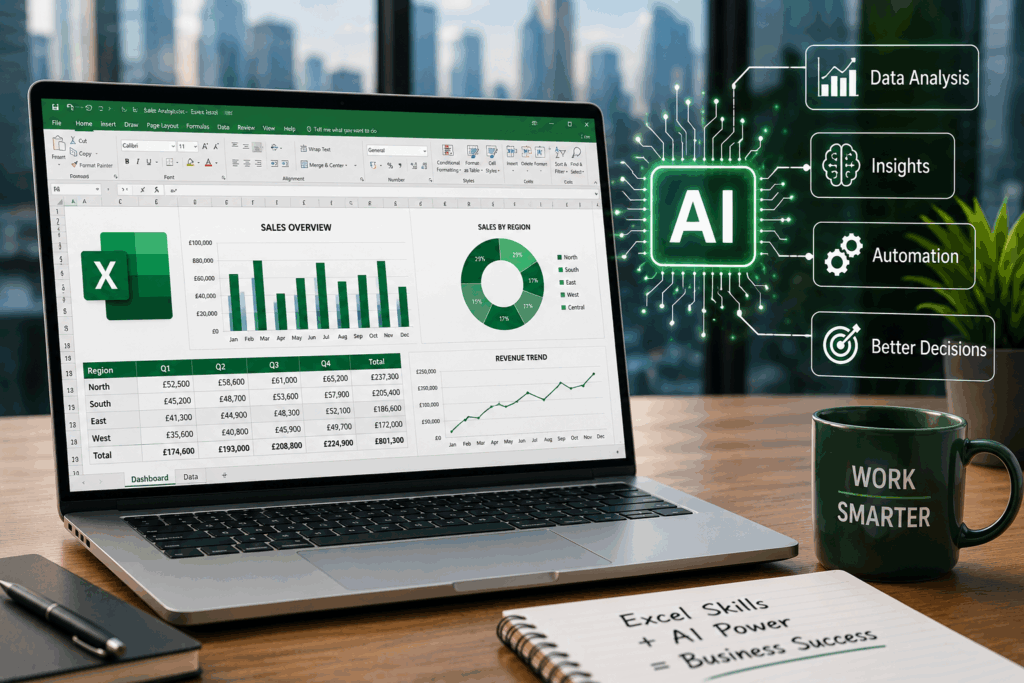
Artificial intelligence is transforming how businesses operate. AI can analyse data, generate reports, create formulas, and build dashboards in seconds. Yet despite these advances, one skill continues to sit at the heart of almost every organisation: Microsoft Excel.
Rather than replacing Excel, AI is making spreadsheet skills even more valuable. The professionals who achieve the best results are those who understand both Excel and AI, using each to complement the other rather than relying on automation alone.
AI Still Needs Clean and Organised Data
One of the biggest misconceptions about AI is that it can automatically solve problems caused by poor-quality data.
In reality, AI performs best when it is working with accurate, organised, and clearly structured information. Excel remains one of the most accessible tools for preparing that data.
It can be used to:
- Remove duplicate information
- Correct inconsistent formatting
- Organise large datasets
- Identify missing values
- Validate figures before analysis
- Prepare information for AI platforms
The quality of an AI-generated result often depends heavily on the quality of the data provided. A well-organised spreadsheet gives AI a much stronger foundation to work from.
Excel Is Becoming an AI-Powered Tool
AI is not making Excel obsolete. It is becoming part of the Excel experience.
Modern AI tools can help users create formulas, identify patterns, summarise information, explain calculations, and suggest useful charts. Tasks that once required advanced technical knowledge can now be completed more quickly with AI assistance.
However, users still need to understand what they are asking the system to do. They also need to recognise whether the answer is accurate.
Someone who understands Excel can use AI as a productivity tool. Someone without that knowledge may struggle to recognise errors or make the most of the technology.
Businesses Continue to Depend on Excel
Excel remains widely used across almost every major business function.
These include:
- Finance
- Sales
- Marketing
- Human resources
- Operations
- Logistics
- Healthcare
- Manufacturing
- Project management
Companies use spreadsheets for budgeting, forecasting, reporting, inventory management, customer data, staff planning, and performance tracking.
Even when businesses use advanced software, information is frequently exported into Excel so that it can be reviewed, adjusted, shared, or presented more clearly.
This makes Excel one of the most practical and transferable workplace skills available.
AI Does Not Remove the Need for Human Judgement
AI can produce impressive results, but it is not always correct.
It may generate an unsuitable formula, misunderstand the purpose of a dataset, overlook an unusual figure, or provide an answer that appears convincing but is inaccurate.
A person with good Excel skills is better equipped to identify these problems.
They can check whether formulas are working properly, compare totals, investigate unusual results, and ensure that the final spreadsheet makes sense.
AI can speed up the process, but human judgement remains essential.
Better Excel Skills Lead to Better AI Results
Using AI effectively is not only about writing prompts. It also requires an understanding of the task itself.
A confident Excel user is more likely to know:
- How the data should be structured
- Which calculations are required
- What the final output should look like
- Which formulas may be appropriate
- Whether the result is realistic
- How to verify the answer
This allows the user to give AI clearer instructions and evaluate the response properly.
In this sense, AI does not reduce the importance of Excel knowledge. It increases the value of understanding how spreadsheets and data work.
Excel Can Save Hours of Manual Work
Even without advanced AI features, Excel can dramatically improve productivity.
Skills such as filtering, sorting, formulas, PivotTables, conditional formatting, charts, and data validation can turn hours of repetitive work into a much faster process.
For example, Excel can help users:
- Calculate totals automatically
- Compare monthly performance
- Track sales activity
- Monitor budgets
- Find information within large datasets
- Highlight unusual figures
- Create professional reports
When these skills are combined with AI, users can work even more efficiently.
Excel Skills Remain Valuable to Employers
Employers increasingly value people who can use modern AI tools, but they also need employees who understand established business systems.
Excel remains important because it is practical, flexible, and familiar across industries.
An employee who can organise data, build reports, create formulas, and use AI to accelerate those tasks can offer more value than someone who relies on AI without understanding the underlying information.
The strongest professionals will not choose between Excel and AI. They will know how to use both.
Beginners Can Build Useful Skills Quickly
Excel may appear complicated at first, but beginners can make meaningful progress by learning a few core features.
Understanding tables, basic formulas, formatting, filtering, and charts can provide immediate workplace benefits. From there, users can gradually progress to functions such as XLOOKUP, PivotTables, and more advanced data analysis.
People looking to build these foundations can explore Beginner Excel Courses designed to introduce the essential skills needed to use spreadsheets confidently.
Excel Will Continue to Matter in an AI-Driven Workplace
AI will continue to change how spreadsheets are created and used. It will automate more tasks, make advanced functions easier to access, and help people analyse data more quickly.
However, the need to understand data will remain.
Businesses will still need people who can organise information, verify calculations, interpret results, and make informed decisions.
Excel provides the foundation for all of these activities.
In the AI world, spreadsheet knowledge is not becoming outdated. It is becoming part of a broader digital skillset that combines data literacy, critical thinking, and intelligent automation.
Those who understand Excel will be better positioned to use AI effectively, recognise its limitations, and turn raw information into useful business insights.